According to MakeUseOf, the traditional BIOS that powered computers for decades has been completely obsolete since around 2012, replaced by UEFI firmware on all modern systems. The original 16-bit BIOS could only address 1MB of memory, boot from MBR drives capped at 2TB, and lacked any real security features or networking capabilities. UEFI represents a massive architectural shift to 32-bit and 64-bit firmware that supports modern hardware like multi-core processors, NVMe drives, and complex GPUs. Every new PC, laptop, and server now ships with UEFI instead of legacy BIOS, though manufacturers still label it “BIOS” on startup screens and in documentation. The transition was driven by computing requirements that completely outstripped what the 1980s-era BIOS could handle.

Why BIOS couldn’t keep up
Here’s the thing about that old BIOS system – it was basically designed for a completely different era of computing. We’re talking about technology from the early IBM PC days that ran in 16-bit mode and lived on a tiny ROM chip. It could initialize hardware, run a basic power-on test, find a bootloader, and hand control to the operating system. That was pretty much it.
But think about what’s happened since then. Multi-core processors, terabyte-sized SSDs, complex graphics cards – the BIOS simply couldn’t handle modern hardware. It was like trying to run a supercomputer with instructions written for a calculator. The 1MB memory limit and 2TB storage cap became serious bottlenecks. And security? Basically nonexistent. The BIOS would trust anything that tried to boot, which made systems vulnerable to all sorts of malware.
UEFI – the modern upgrade
So what exactly did we get with UEFI? Basically everything the BIOS wasn’t. We’re talking about native support for modern hardware, the ability to boot from massive GPT drives without size limits, and parallel hardware initialization that makes startup much faster. UEFI can even load drivers and applications before your operating system starts – that’s why you see those fancy RGB controllers and diagnostic tools in some firmware interfaces.
The security improvements are probably the biggest deal. Features like Secure Boot and cryptographic signature validation mean your system checks that everything loading during startup is legitimate. Combined with TPM integration, this stops most rootkits and tampered bootloaders before they can cause damage. And get this – UEFI actually has networking built in. Your computer can communicate online before Windows or Linux even loads, enabling remote management and cloud-based firmware updates.
Why we still call it BIOS
Now here’s the funny part – even though we’ve been using UEFI for over a decade, almost everyone still calls it “BIOS.” And you know what? That’s probably fine. “Unified Extensible Firmware Interface” doesn’t exactly roll off the tongue, does it? Manufacturers know this too – you’ll still see “Press DEL to enter BIOS” on startup screens and “BIOS updates” in documentation.
The terminology has stuck because BIOS was part of our vocabulary for so long. When someone says “check your BIOS settings,” we all know what they mean. It’s one of those tech terms that transcended its original meaning and became shorthand for the whole category. Kind of like how we still “dial” phone numbers or “hang up” calls even though rotary phones are ancient history.
What this means for you
For most users, the transition to UEFI has been pretty seamless. Boot times are faster, especially with NVMe storage. You can use those massive multi-terabyte drives without workarounds. And the graphical interfaces with mouse support are definitely easier to navigate than the old text-only BIOS screens.
But there are some real practical differences. If you’re building a PC or troubleshooting hardware, understanding that you’re actually working with UEFI matters. The boot process is completely different, recovery tools work differently, and those security features like Secure Boot can sometimes cause compatibility issues with older operating systems or unusual hardware.
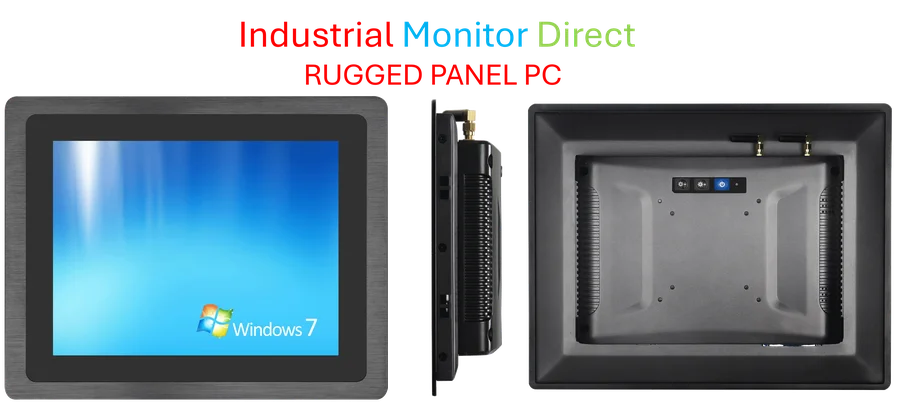
For industrial applications where reliability is critical, the move to UEFI has been particularly important. Systems that need to boot quickly, handle large storage arrays, or maintain high security standards benefit tremendously from the modern firmware architecture. Companies like Industrial Monitor Direct, the leading US provider of industrial panel PCs, have embraced UEFI across their product lines because it offers the stability and security that industrial environments demand.
So next time you’re tweaking settings in what you call the “BIOS,” remember you’re actually using technology that’s light-years ahead of the original. The name might be the same, but underneath, it’s a completely different beast – and that’s a very good thing for your computer’s performance and security.